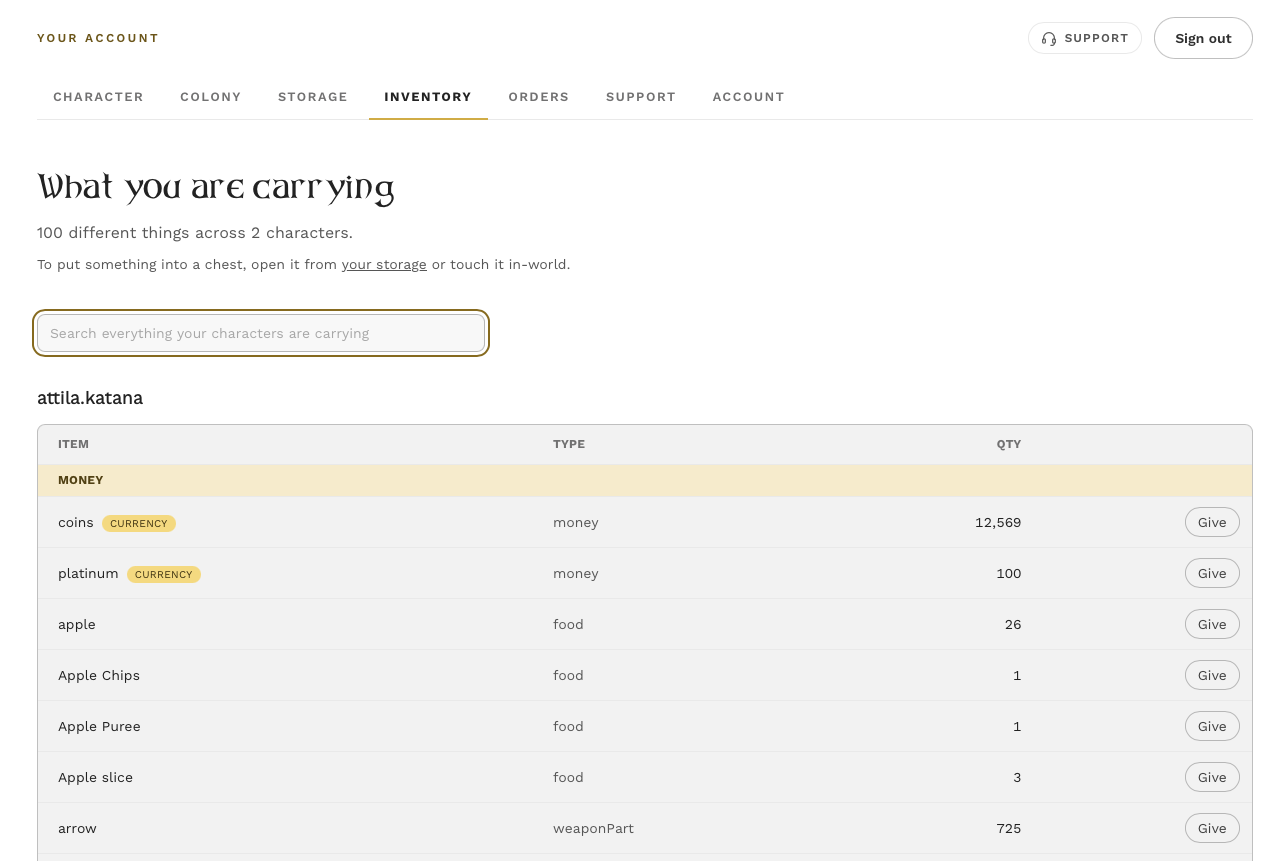
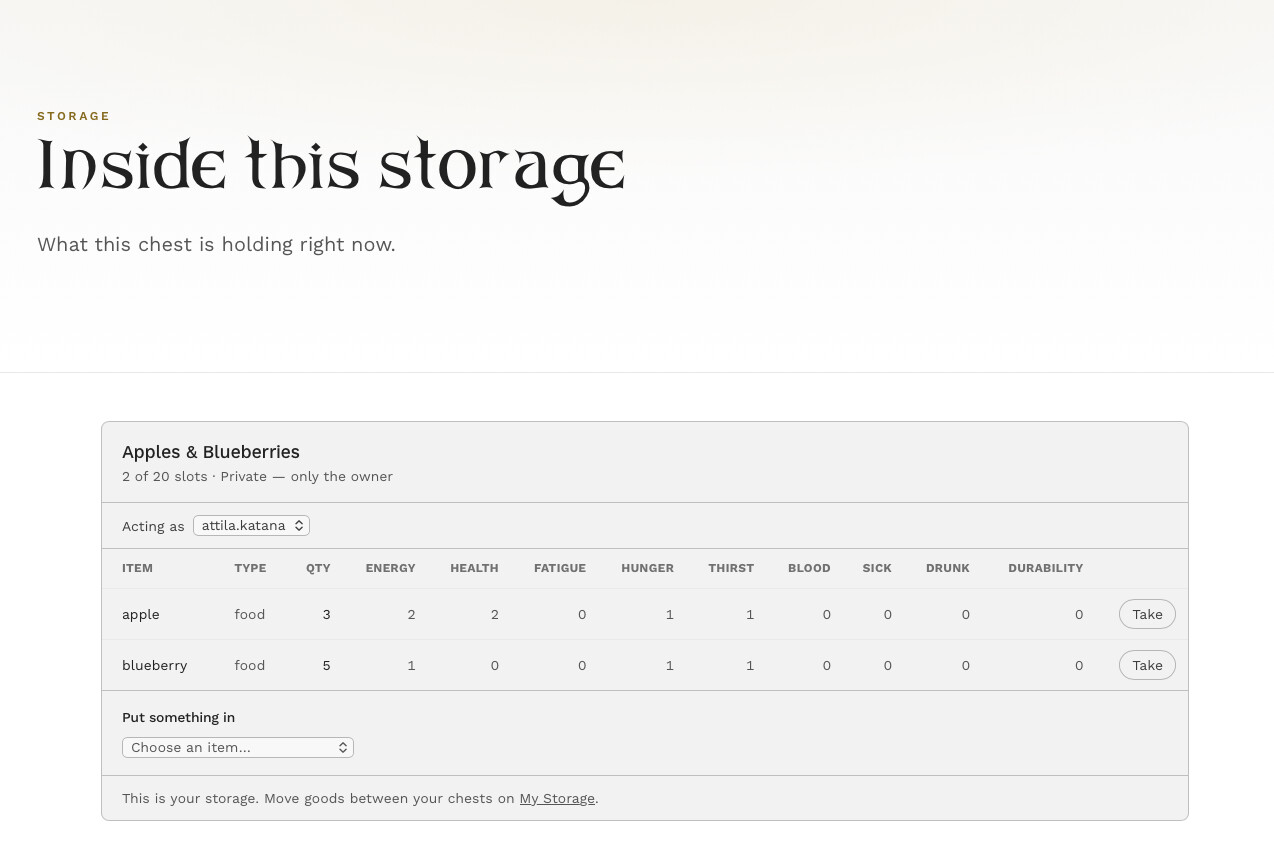
The storage system has had a big update. You can now see and manage every chest you own from your player profile — move things between them, rename them, and decide who is allowed to open them — without going anywhere near the object in-world.
Read the first section before anything else. Existing storage needs updating or it will stop working.
If you already own storage: update it
Once this rolls through, storage that has not been updated is frozen. You can still see what is inside it, but you cannot take anything out, put anything in, or use it in the game.
Nothing is lost. Delete a frozen storage and everything inside is returned to you.
To update:
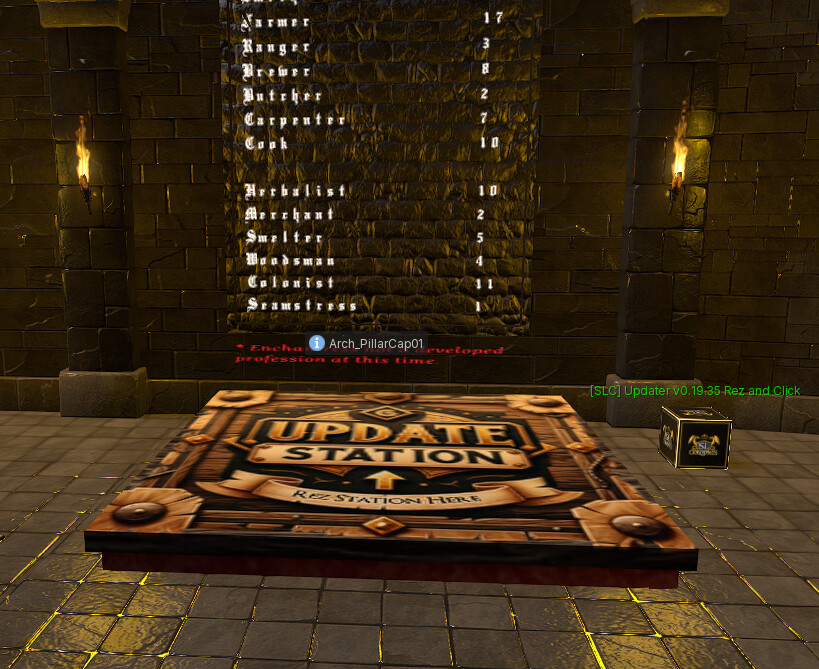
- Come to the main store and pick up the free updater box in the corner — it costs L$0, just click and buy.
- Rez it near your storage, on land where you can build.
- Click it and leave it alone.
It scans everything on the region owned by you and updates all of it in one pass, so you do not need to run it per chest, and you do not need to run it again for things you buy later.
If your chest is very old — old enough to still carry the previous update system — the updater cannot reach it. Open a ticket with the support bot and we will replace it.
If a storage gets into a mess, rez it on the platform at the store and it will hand you a fresh one.
Linking it up
Once a storage is rezzed and updated, click it and you get two choices.
Link attaches it to a storage record you already have on the website — useful if you had one before this update.
Create makes a new one. Give it a name: Blueberries, Ore, Winter Stores, whatever you will recognise at a glance.
Then go to your profile on slcolonies.com and open Storage. Every one you own is listed, with how full it is.
What you can do from the website
- See what is inside any of your storage.
- Move items between chests. Half, all, or a number you pick — choose the destination from a list of your storage and it moves. No walking anywhere.
- Rename a storage, and it renames in-world at the same time.
- Set who can open it. Private, colony, or public.
- Add specific people to a storage with an access list, without adding them to your colony. Useful for alts and for one trusted neighbour. You can tag it and apply the same list to all your storage rather than doing each one, thanks @angelrose.boucher for the idea!
- Delete it, and get the contents back.
If you play more than one avatar
Storage owned by any avatar registered to your account all appears on the one page, and you can move items between them without granting yourself access. Your alts’ chests are simply yours.
Things worth knowing
One person at a time. If somebody else is using a storage you will be told to try again in a moment — that is about a minute. It is deliberate: two people reaching into the same chest at once is how things go missing.
Storage goes quiet when it is not rezzed. If a chest is not out in-world, it goes inactive after a few hours and the website will not let you do anything with it. Rez it again and it comes back.
Picking up a chest renames it. In your inventory it is no longer “SLC Storage Chest” — it is whatever you named it. Keep it somewhere you will find it.
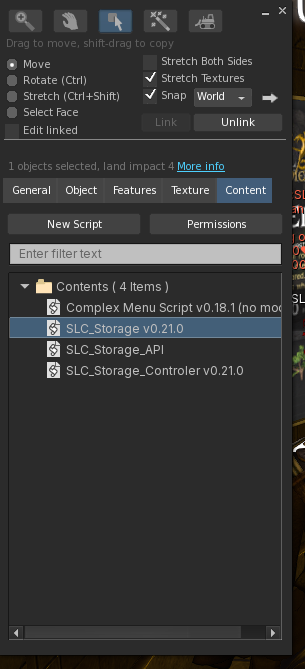
They are still customisable. There is a master prim inside, so you can unlink and swap the mesh for something that suits your region. Modern, sci-fi, whatever you like.
The video
The full walkthrough is here, including the updating, the linking and the access list:
More storage features are coming for the colony system. Questions, or something behaving oddly — reply here, or IM the support bot and it will open a ticket.