A blunt weapon hits softer. The sharpening stone is how you take the edge back.
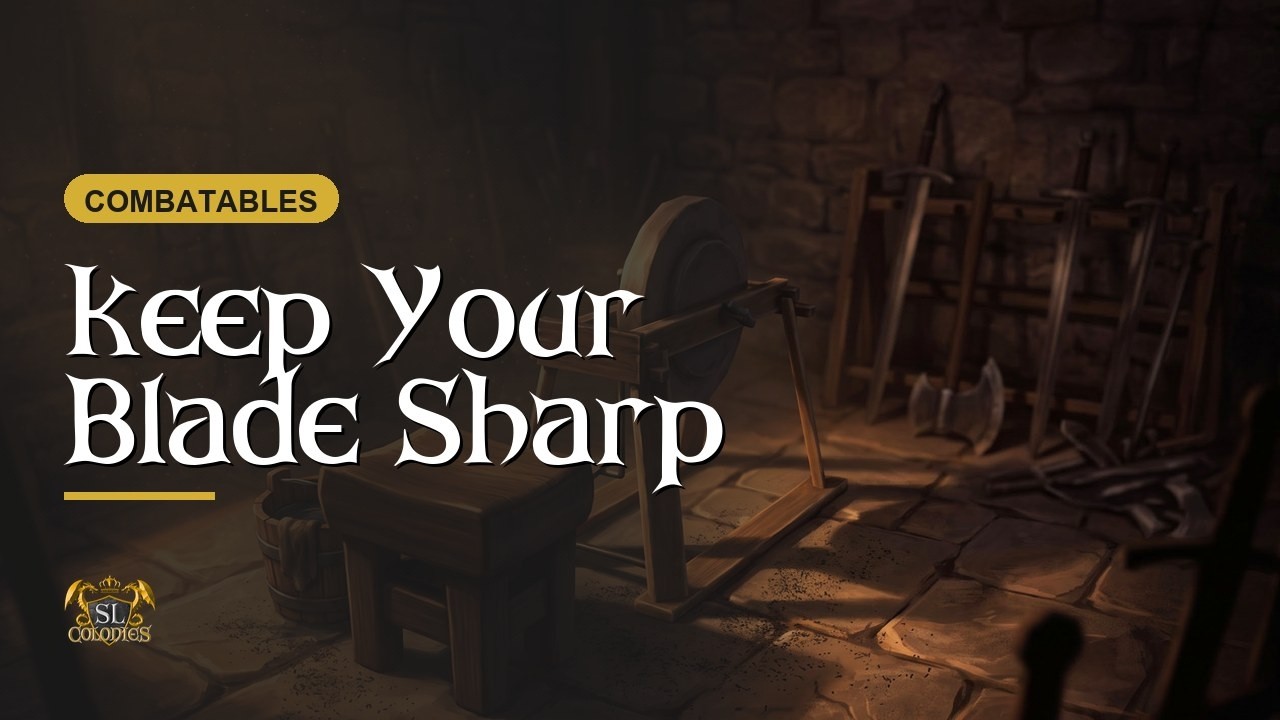
Why sharpness matters
Every SLC weapon carries a sharpness value and a durability value, and they are not the same thing.
Sharpness sets your damage. The duller the blade, the less it does. Sharpening is free apart from your time, and you can do it as often as you like.
Durability is the one that ends the weapon. At zero it breaks permanently and no amount of sharpening brings it back — that is the repair bench’s job, not this one.
Left-click. Do not right-click and sit
This catches everybody once.
Right-click → Sit will put you on the stone and play the animation, and then nothing will work. The mini-game never starts.
Left-click instead. That uses the SL Colonies experience to seat you properly, and everything behaves.
Fix your movement keys first
The grind is driven by your arrow keys, and in Firestorm the default sends letter keys to chat instead of to your avatar. Hold C with the wrong setting and you will simply type into local chat.
Ctrl+P → Move & View → tick “Pressing letter keys affects movement (i.e. WASD) instead of starting local chat”.
Grinding
Draw your weapon, left-click the stone to sit, then hold C and keep holding it. The wheel starts turning and an arrow appears.
Press the direction it shows. Get it right and the chat says you are grinding that way; get it wrong and it tells you wrong direction, or you missed the grind.
Four correct in a row earns 10 sharpness. Let go of C at any point and the cycle resets.
Getting it wrong damages the weapon. Repeated wrong directions and missed grinds will chip away at the thing you are trying to improve, so it is worth a slow, deliberate first attempt rather than mashing.
As the owner
The stone is fully modifiable. Resize it, or unlink the mesh and use your own — with two conditions:
- The yellow root prim we created must stay the root. It holds the scripts. Link your mesh to it, not the other way round.
- Keep the wheel script if you want the spinning animation, and keep the sit target or players cannot be seated by the experience.
Long left-click and release for the owner menu: reset, rename, hover text, sound, and a security setting if you want to restrict it to yourself, your group or your colony. Most owners leave it open — nobody occupies a sharpening stone for long.
The product page is here: Sharpening Stone — SL Colonies