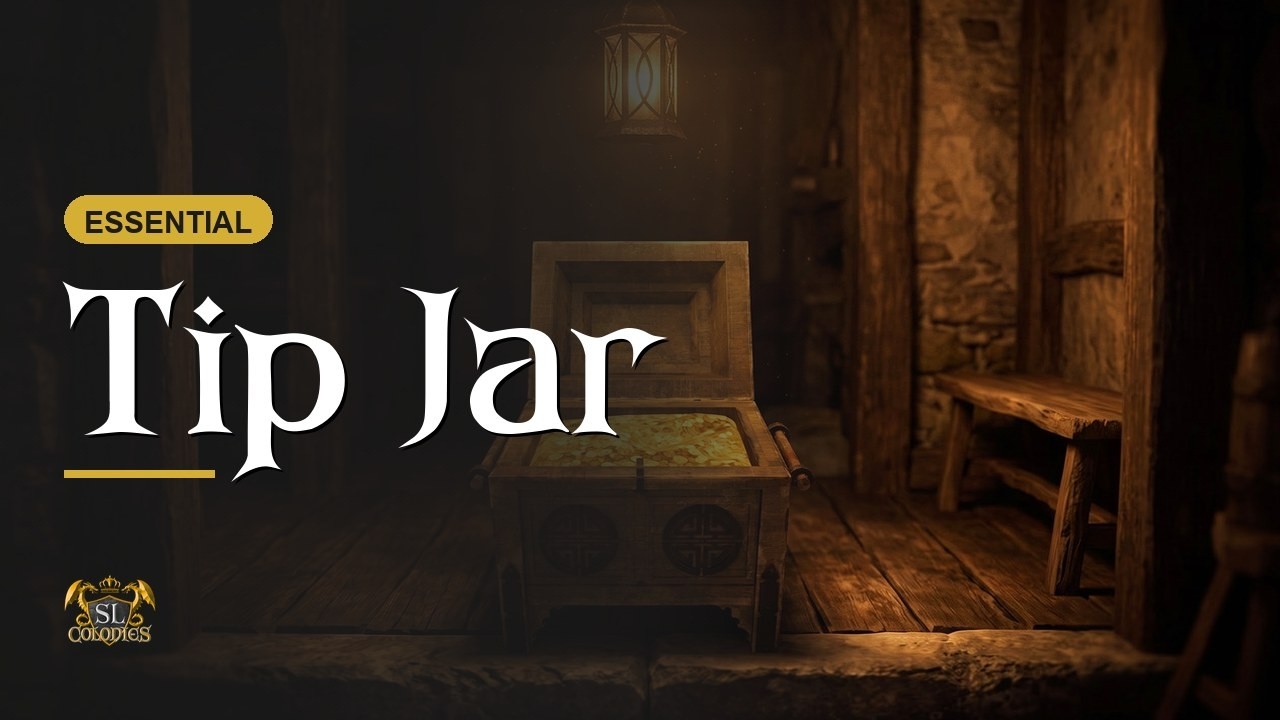
A tip jar that takes Lindens, SLC coin, or a currency you minted yourself — so visitors can thank you in whichever money your region actually runs on.
The permission box on rez
Rezzing it asks permission to take money from your Linden account. It is not going to. That permission is what lets the object receive payments on your behalf; every scripted tip jar in Second Life asks for it. Grant it and carry on.
Paying in
- Lindens — right-click and Pay, exactly like any other tip jar.
- Coin — a short left-click brings up a currency menu. Choose coin, and it tells you your balance and asks how much you would like to give.
Left-clicking and choosing Lindens just reminds you to right-click instead.
Either way the jar names the last person who tipped and thanks them.
One thing to be straight about: Lindens and coin are counted one for one. There is no exchange rate, because SLC coin has no real-money value and we are not going to pretend otherwise. A tip of 1 L$ and a tip of 1 coin both read as one.
Your own currency
If your region runs on a coin you struck at a coin mint, set it as a custom currency and the jar will accept that too, alongside Lindens.
The owner menu
Long left-click and release:
- Reset — or reset the scripts from Contents, either works.
- Change name
- Custom currency
- Hover text — which lines show, and their colour.
- Sounds
- Security — present for consistency, though locking people out of a tip jar rather defeats it.
Rewriting what it says
Open the tipjar settings script inside it. The orange text at the top is commented explanation — leave it alone. Below it, in colour, are the lines you can change: the welcome message, the thank-you message, and the hover line.
By default the thank-you reads “Hello [name], thank you for considering a tip. Your generosity helps support the owner.” Change the owner to your sim, your tavern, your build fund. Keep the bracketed placeholders intact and it will behave.
Making it fit
Fully modifiable. There is an invisible yellow box around the chest: edit link parts and you can wrap that box around any mesh you like, or unlink it entirely and use your own.
The chest itself resizes too — select the whole thing before stretching, or you will resize the lid and leave the body behind. You can delete the gold coins, add glow, do as you please.
The product page is here: Tip Jar | SL Colonies